
3D printing can feel overwhelming when you're first getting started. Terms like FDM, CoreXY, and direct drive extruder show up everywhere, but what do they actually mean?
If you're new to desktop 3D printing, this guide breaks down how FDM printing works, why it dominates the hobby market, and what beginners should know before choosing a printer or filament.
What Is FDM 3D Printing?
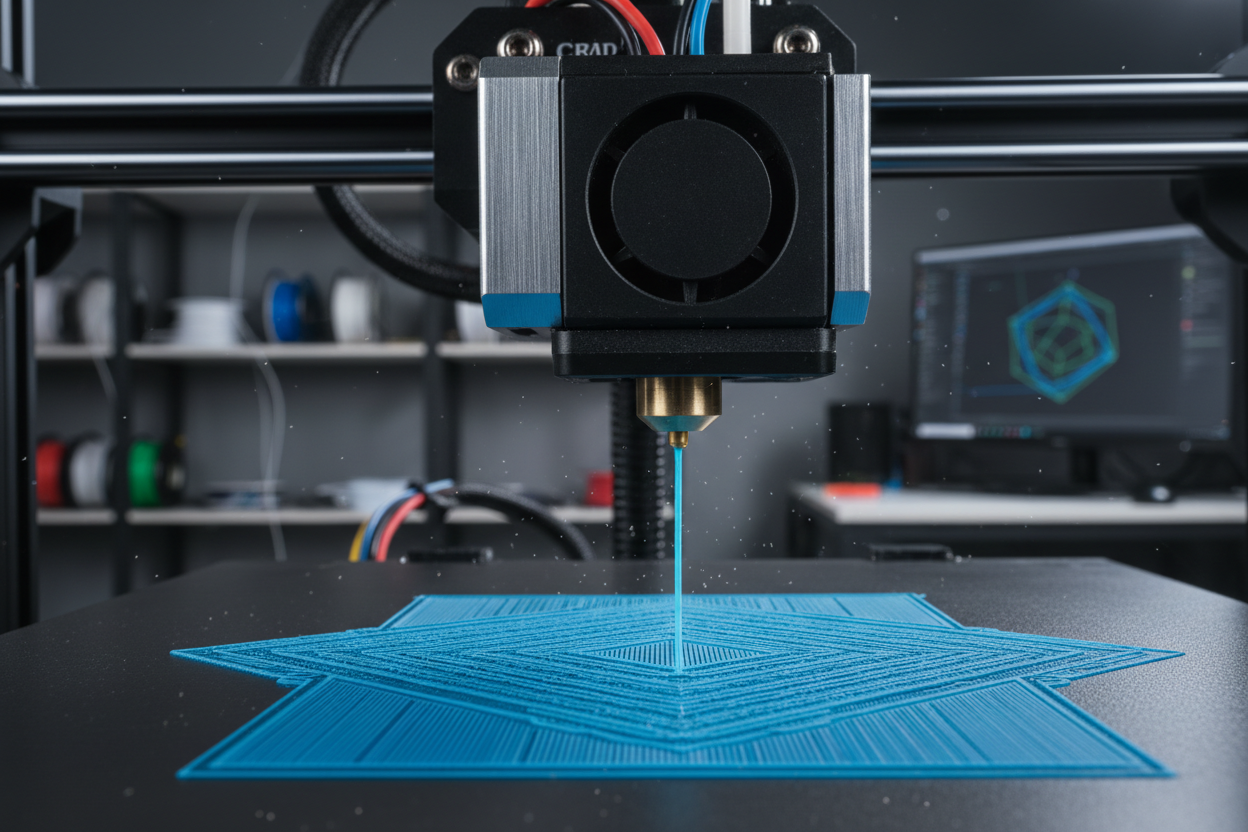
FDM (Fused Deposition Modeling) is the most widely used form of home 3D printing.
It works by heating a thermoplastic filament until it melts, then extruding it through a nozzle layer by layer to build an object from the bottom up.
Unlike subtractive manufacturing methods like CNC machining, which remove material from a solid block, FDM is an additive process. Material is placed only where needed, making it efficient and relatively low-waste.
For overhangs and complex geometries, temporary support structures may be printed and removed after printing.

Why FDM Is So Popular
FDM has become the go-to technology for makers, hobbyists, schools, and even engineers because it offers:
- Affordable machines and materials
- Large build volumes
- Easy learning curve
- Wide filament compatibility
- Lower maintenance than resin printing
- Safer and cleaner operation for home use
For beginners, FDM is often the best place to start.
Every FDM print starts with a 3D model.
That model is imported into slicer software, which converts it into G-code — machine instructions telling the printer:
- Where to move
- How fast to print
- Extrusion amount
- Layer height
- Print temperature
- Infill pattern
- Support placement
The printer then follows those instructions to build the object one layer at a time.
Three things define most FDM systems:
1. Filament Material
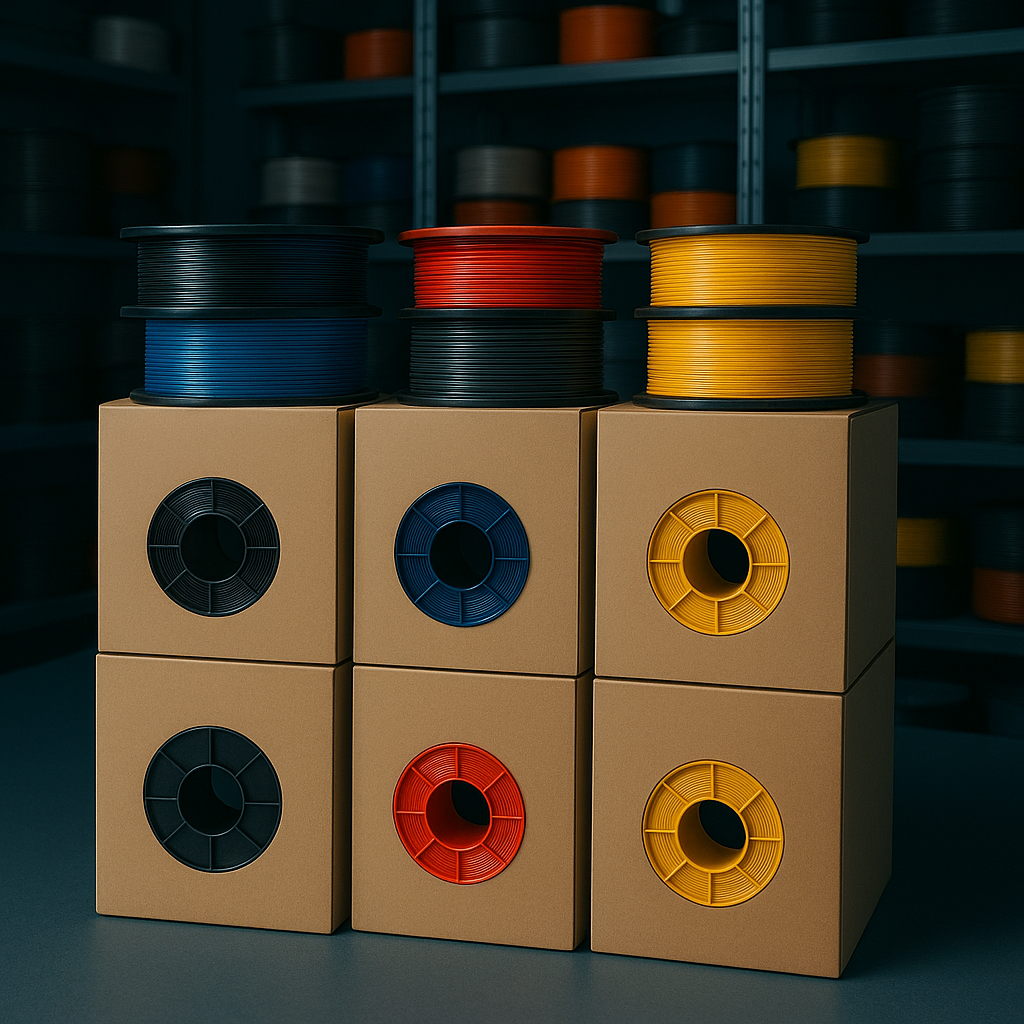
Popular beginner materials include:
- PLA — easiest to print
- PETG — stronger and more heat resistant
- TPU — flexible material
- ABS/ASA — engineering-grade and weather resistant
- Carbon fiber blends — lightweight and rigid
Choosing the right material often matters as much as choosing the printer itself.
Why FDM Is More Beginner-Friendly Than Resin
Compared with resin (SLA/MSLA) printers, FDM typically offers:
| Feature | FDM | Resin |
|---|---|---|
| Startup Cost | Lower | Higher |
| Material Cost | Lower | Higher |
| Ease of Use | Easy | Moderate |
| Post Processing | Minimal | Extensive |
| Chemical Handling | None | Required |
| Build Volume | Larger | Usually Smaller |
That simplicity is why most people start with FDM.
Understanding Printer Motion Systems
Not all FDM printers move the same way.
Cartesian (“Bed Slingers”)
These are the most common beginner printers.
Typically:
- Bed moves front to back (Y-axis)
- Printhead moves left-right (X-axis)
- Gantry moves vertically (Z-axis)
They’re affordable, proven, and beginner-friendly.

CoreXY Printers
CoreXY systems use synchronized belts and dual motors for X/Y movement.
Benefits include:
- Faster print speeds
- Reduced vibration
- Better motion stability
- Excellent for large or high-speed prints
This design has become increasingly popular among advanced hobbyists and prosumers.
Cartesian vs CoreXY
For beginners:
Choose Cartesian if you want:
- Lower cost
- Simpler maintenance
- Easy learning
Choose CoreXY if you want:
- Higher speed
- Better performance
- Future-proof upgrades
What About Delta Printers?
Delta printers use three arms arranged in a triangle to position the printhead.
They can offer:
- Very high speeds
- Smooth motion
- Excellent print quality
But they tend to require:
- Taller frames
- More tuning
- More setup experience
Because of that, they’re less common for first-time users.
Direct Drive vs Bowden Extruders
Your extruder feeds filament into the hotend, and there are two main designs.
Direct Drive
Direct drive extruders place the feed motor near the hotend.
Advantages:
- Better extrusion control
- Easier TPU printing
- Improved retraction performance
- Great for beginners

Bowden Extruders
Bowden systems move the motor off the printhead and push filament through a PTFE tube.
Advantages:
- Lighter printhead
- Potentially faster movement
- Lower moving mass
Tradeoffs:
- Harder flexible filament printing
- More retraction tuning
- Greater chance of stringing
Today, many modern printers favor direct drive because it handles more materials with fewer compromises.
Best Filament for Beginners
If you’re just starting with FDM, begin with PLA.
Why PLA is beginner-friendly:
- Easy temperature range
- Low warping
- Minimal odor
- Smooth print quality
- Widely available
- Affordable
Once comfortable, move into PETG or TPU.
Common Beginner FDM Mistakes to Avoid
New users often struggle with:
Printing Too Fast
Slow down first prints for reliability.
Wrong Temperatures
Follow recommended filament settings.
Poor Bed Leveling
First-layer adhesion makes or breaks a print.
Ignoring Retraction Settings
This often causes stringing.
Starting With Difficult Materials
Master PLA before trying advanced filaments.

Is FDM 3D Printing Right for You?
FDM is ideal if you want to make:
- Functional prototypes
- Household tools
- Toys and hobby models
- Cosplay props
- Replacement parts
- Educational projects
For most beginners, it’s the easiest and most practical way to enter 3D printing.
Final Thoughts
FDM 3D printing remains the most accessible way to start making physical objects at home.
It’s affordable, versatile, beginner-friendly, and supported by an enormous ecosystem of printers, materials, and community knowledge.
Understanding printer motion systems, filament choices, and extruder types gives you a much stronger foundation before your first print.
And once you start, there’s always another material, upgrade, or project to explore.
FAQ
Is FDM the same as 3D printing?
FDM is one type of 3D printing, but it’s the most common type used in homes and workshops.
Is FDM good for beginners?
Yes. FDM is generally the best 3D printing technology for beginners due to lower costs and simpler operation.
What filament should beginners use?
PLA is usually the easiest and most beginner-friendly filament.
Which is better, CoreXY or Cartesian?
Cartesian is often better for beginners, while CoreXY offers higher performance.