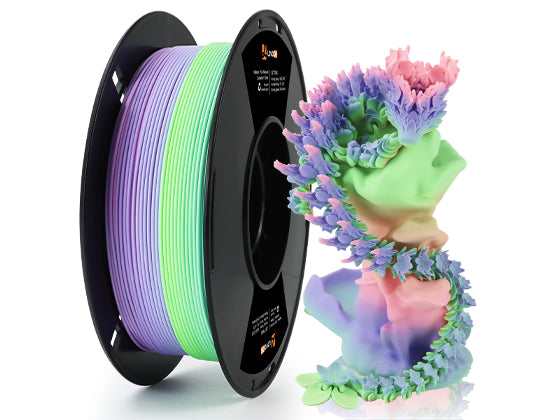
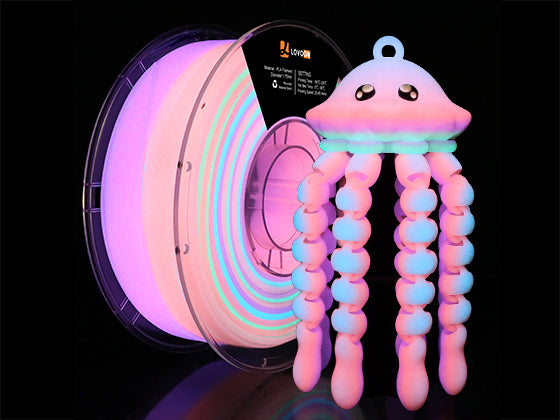

PLA is the most widely used material in FDM 3D printing because it is easy to print, environmentally friendly, and capable of producing highly detailed models. However, achieving clean and consistent results requires the right print settings.
In this guide, we’ll explain the best PLA printing parameters for Lovoon PLA filament, including nozzle temperature, bed temperature, cooling, speed, and troubleshooting tips. With the correct settings, you can improve print quality, reduce stringing, and produce strong, smooth prints every time.
Recommended PLA Print Settings (Quick Overview)
If you want a quick reference for printing Lovoon PLA filament, start with the following settings.
| Setting | Recommended Value |
|---|---|
| Nozzle Temperature | 200–210°C |
| Bed Temperature | 50–60°C |
| Print Speed | 40–60 mm/s |
| Cooling Fan | 100% after first layers |
| Layer Height | 0.12–0.28 mm |
| Retraction Distance | 0.8–2 mm (direct drive) / 4–6 mm (Bowden) |
Most PLA filaments print well within a 190–220°C nozzle temperature range, with 200°C being a common starting point for balanced quality and layer adhesion.
Optimal Nozzle Temperature for PLA

The nozzle temperature determines how smoothly the filament melts and flows through the extruder.
For most standard PLA filaments:
Recommended nozzle temperature:
200–210°C
General PLA printing works within 190–220°C, depending on printer type and filament formulation.
Lower Temperature (190–200°C)
Best for:
-
High-detail models
-
Reducing stringing
-
Smooth surface finish
Possible issues:
-
Weak layer adhesion
-
Under-extrusion
Higher Temperature (210–220°C)
Best for:
-
Stronger layer bonding
-
Larger functional prints
Possible issues:
-
Stringing
-
Blobs or oozing
💡 Lovoon Tip:
Start at 205°C and adjust by ±5°C depending on your printer and print quality.
Best Bed Temperature for PLA

The heated bed helps the first layer stick properly and prevents warping.
Recommended bed temperature:
50–60°C
This temperature range provides stable adhesion while preventing warping or lifting.
If You Don’t Have a Heated Bed
PLA can still print successfully using:
-
Glue stick
-
Painter’s tape
-
PEI sheets
Small prints often work fine even at room temperature.
Cooling Settings for PLA

Cooling is extremely important for PLA because it helps the plastic solidify quickly and maintain shape.
Recommended cooling settings:
| Layer | Cooling Fan |
|---|---|
| First 1–2 layers | OFF |
| Remaining layers | 100% |
Cooling improves:
-
surface finish
-
overhang quality
-
bridging performance
Turning off the fan for the first layers improves bed adhesion before enabling full cooling later.
Recommended Print Speed for PLA
Print speed also affects print quality.
Typical PLA speed:
40–60 mm/s
Slower speeds:
-
better detail
-
smoother surfaces
Faster speeds:
-
quicker prints
-
may require slightly higher nozzle temperatures
Higher speed means filament spends less time heating, so sometimes the nozzle temperature must increase slightly to maintain good extrusion.
Understanding PLA Thermal Properties
PLA behaves differently than other materials due to its thermal characteristics.
Key temperatures include:
| Property | Temperature |
|---|---|
| Glass Transition | 60–65°C |
| Melting Temperature | 150–180°C |
PLA begins to soften at around 60°C, which is why PLA prints can deform in high heat environments like a car dashboard.
How to Find the Best Temperature for Your PLA

Even with recommended settings, every printer behaves slightly differently.
The best method is printing a temperature tower.
Temperature tower testing:
-
Print a tower model
-
Each section uses a different temperature
-
Compare stringing, layer adhesion, and surface finish
-
Select the best result
This method allows you to identify the perfect temperature for your specific filament batch and printer setup.
Common PLA Printing Problems (And Fixes)
Stringing
Possible causes:
-
nozzle too hot
-
insufficient retraction
Solutions:
-
lower temperature by 5°C
-
increase retraction distance
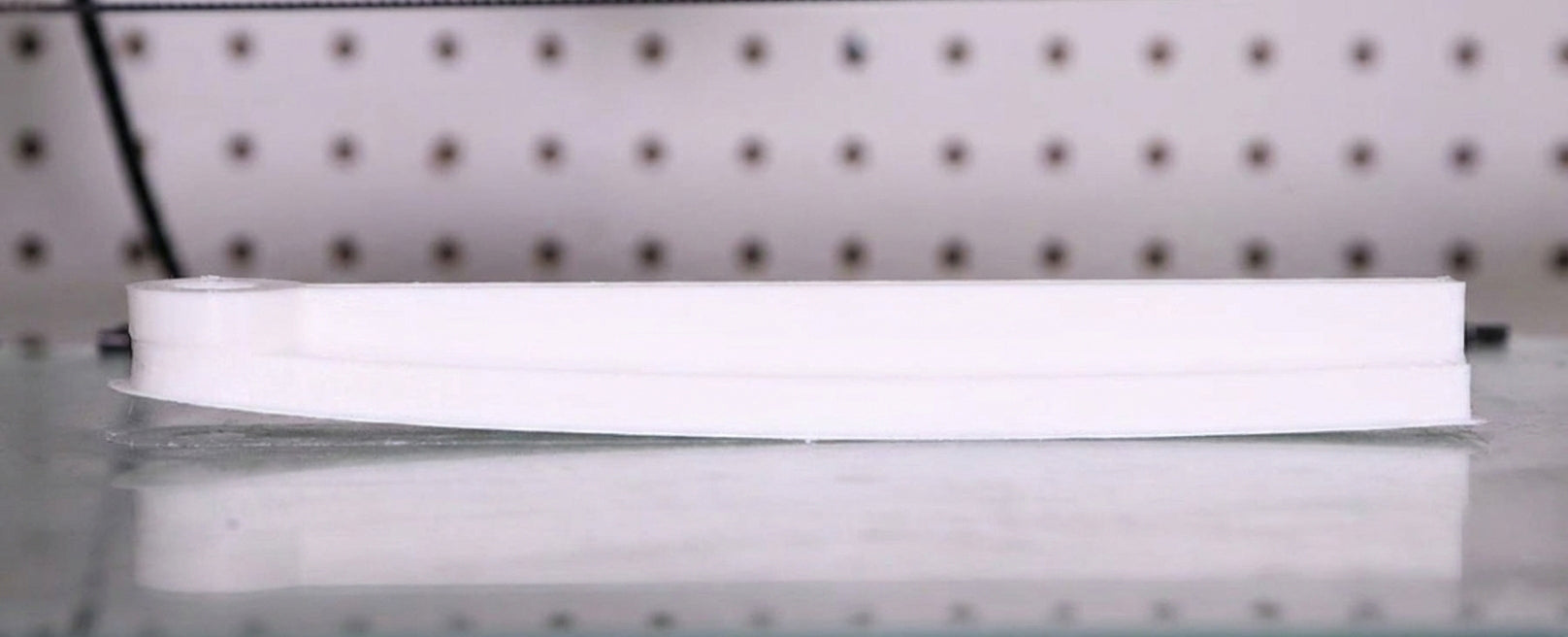
Poor Bed Adhesion
Possible causes:
-
bed too cold
-
bed not level
Solutions:
-
raise bed temperature to 60°C
-
clean the build plate
Weak Layer Bonding
Possible causes:
-
nozzle too cold
-
printing too fast
Solutions:
-
increase nozzle temperature
-
reduce print speed
Why Lovoon PLA Is Designed for Easy Printing
Lovoon PLA filament is engineered for consistent extrusion and smooth layer bonding, making it ideal for both beginners and experienced makers.
Key advantages include:
-
Stable diameter tolerance
-
Smooth feeding
-
Reliable adhesion
-
Excellent surface finish
-
Compatible with most FDM printers
Combined with the recommended print settings above, Lovoon PLA can produce high-quality prints with minimal tuning.
Final Thoughts

Getting the right PLA print settings can make the difference between a failed print and a professional-quality model.
For the best results with Lovoon PLA filament:
-
Nozzle: 200–210°C
-
Bed: 50–60°C
-
Speed: 40–60 mm/s
-
Cooling: 100% after first layers
These settings provide the ideal balance of detail, strength, and reliability for everyday 3D printing.
Once you dial in your printer, Lovoon PLA makes it easy to create smooth, accurate, and beautiful prints.